
Everything that is there
Features
Thot 2.1.0: Markdown notes, local-first finance, a vault tree and sync over your home network. At the bottom, also what is not there yet.
- Markdown
- Local sync
- Finance
- 4 platforms
Writing and reading
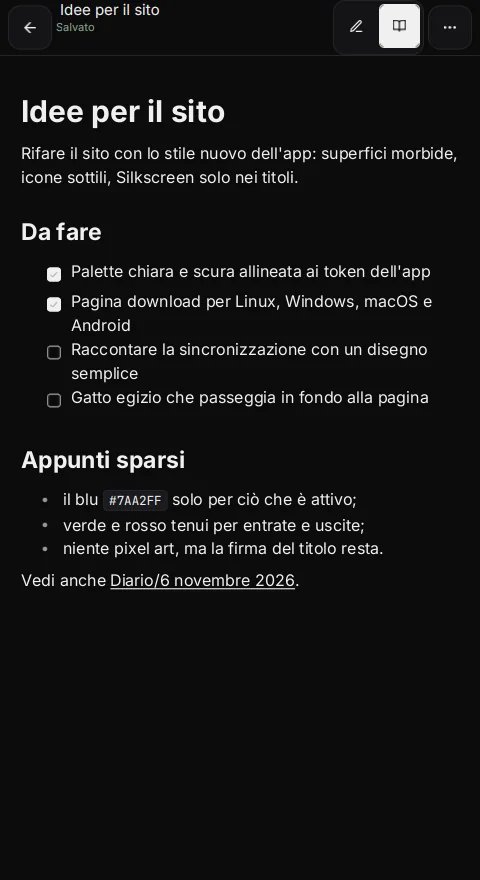
One note, two modes on the same Markdown file. In Writing the source stays editable; in Reading it is rendered. Checkboxes can be toggled in both modes, including nested tasks, with a single undo entry per click.
- Full GFM Markdown: headings, lists, tasks, quotes, callouts, code, math, tables, footnotes, links and wikilinks.
- Debounced autosave, atomic writes and external-change detection.
- Local vault snapshots; HTML and PDF export from the desktop.
- Images and attachments with
![[photo.jpg]], resizing, captions and full-screen viewing. - Missing images show a placeholder, never a silent error.
Search, links and the vault tree
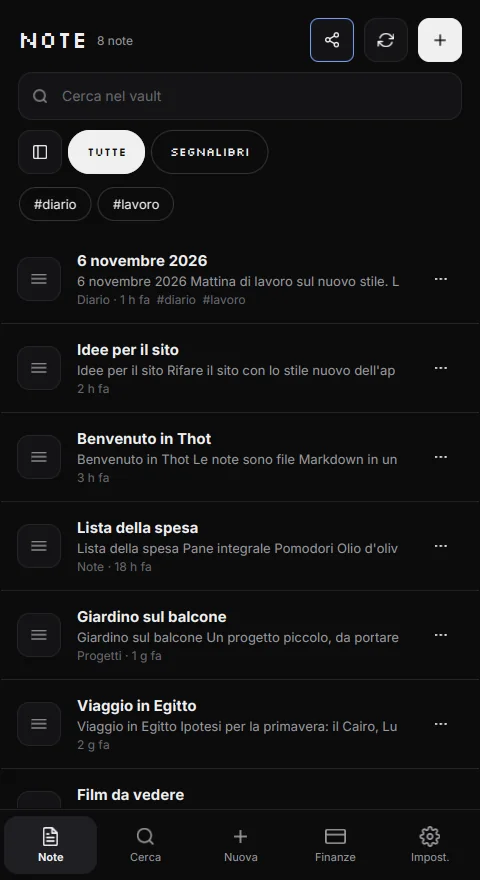
Ideas do not live alone. Link one note to another, find everything with search and use the tree to see the folder as it really is.
- Incremental full-text search (SQLite FTS5, with in-memory fallback) across the vault.
- Wikilinks between notes, automatic backlinks and a link graph.
- Info panel with outline, backlinks, front-matter properties and tags.
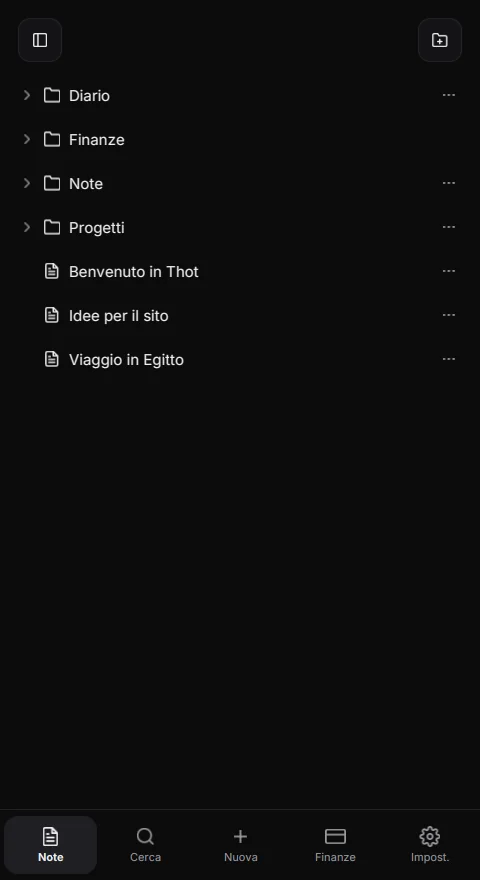
- Vault tree for folders, notes and attachments; it works on the phone too.
- Rename and move without changing the file format.
Local sync
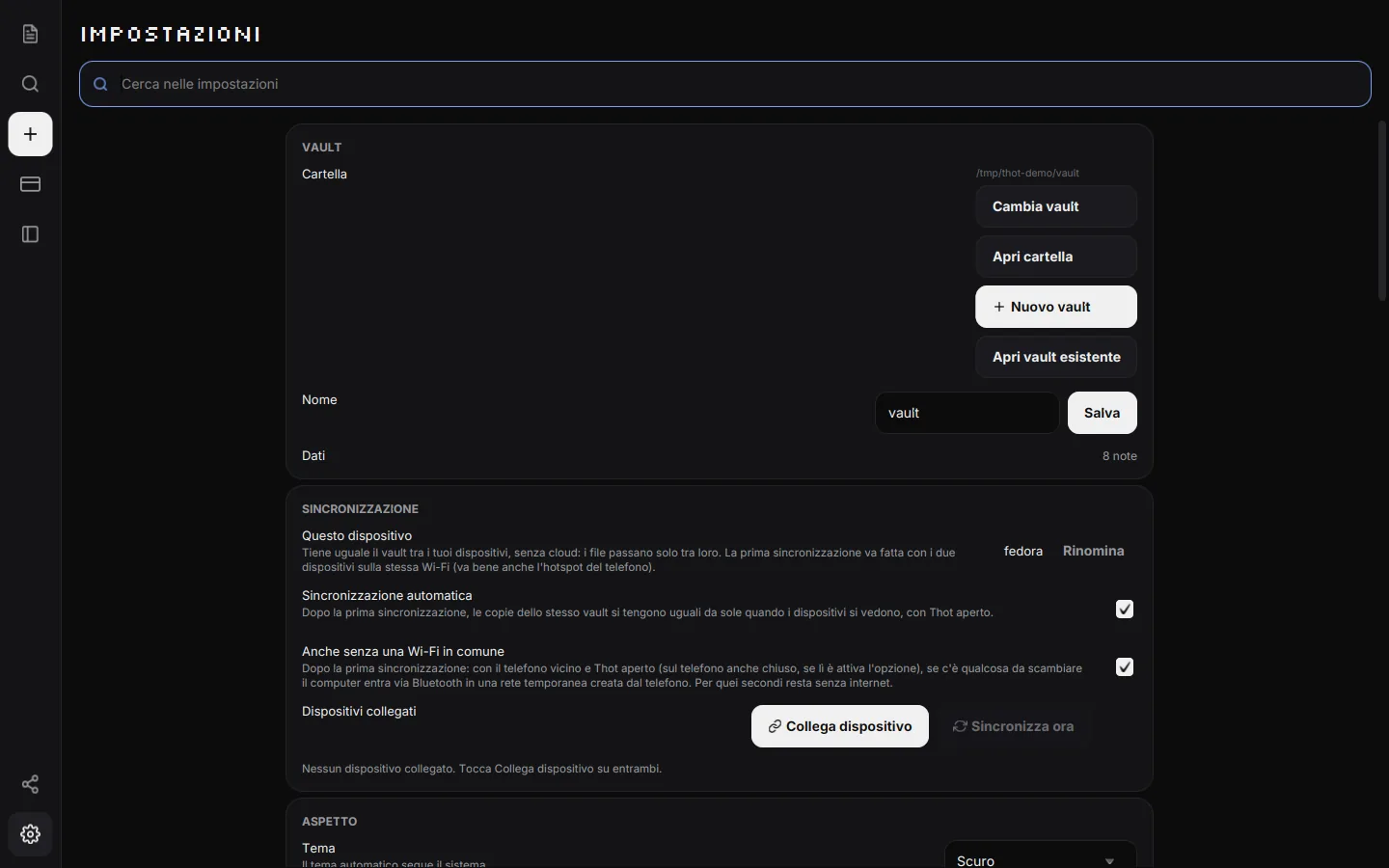
ThotSync keeps the same vault aligned across your devices on the local network: the same Wi-Fi or the phone's hotspot. There is no cloud and no server: files travel only between devices, encrypted, and are written straight into the vault folder.
- Pair once with a 6-character code, valid for 5 minutes.
- Encrypted channel: J-PAKE for pairing, X25519 and AES-256-GCM for files.
- Automatic sync when devices see each other, with Thot open.
- Without a shared Wi-Fi, after the first sync the computer finds the phone over Bluetooth and uses a temporary hotspot.
- Conflicts resolved by date, copies next to the file and the vault trash; finance files merge by id.
- On Android sync can continue with Thot closed, if you enable it in settings.
The first sync needs a shared network. It is not a backup: for that, use the vault folder and your own tools.
Local-first finance
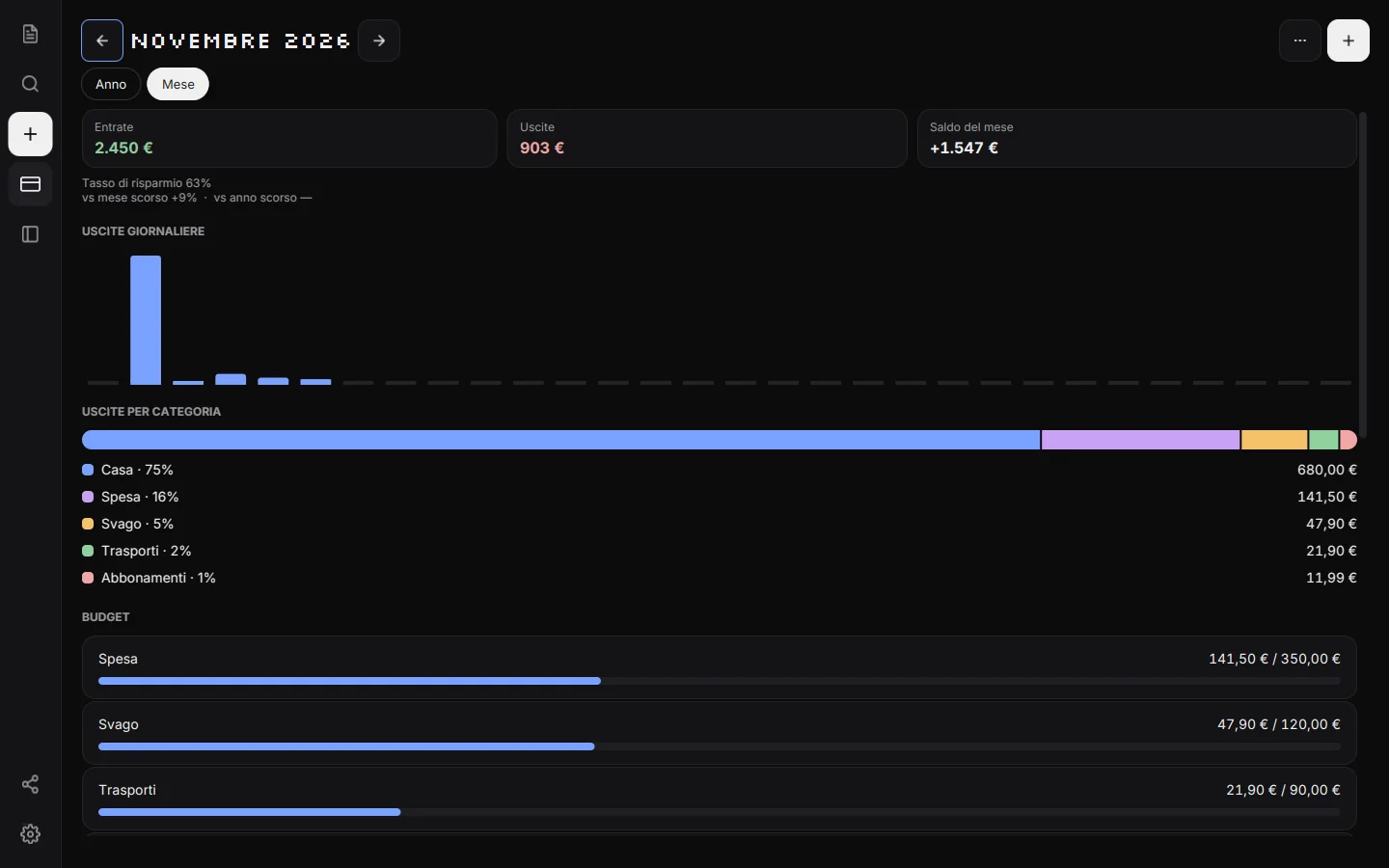
Accounts, categories, budgets, recurrences and savings goals, with monthly and yearly overviews. The data are CSV files inside the vault.
- Accounts of any kind: cash, current account, card, savings and more.
- Income, expenses and transfers; amounts always in cents, never floating point.
- CSV/TSV import with preview, deduplication and saved rules.
- CSV export on every platform; PDF from the desktop.
- ZIP backup with restore and safety snapshots.
- A
thot-financeblock to show summaries inside notes.
Thot records and summarizes: it does not provide financial advice and does not connect to your bank.
Protection
- Hideable Finance section: navigation, new-transaction shortcut and widgets disappear.
- Optional 4-12 digit PIN, stored only as a secure hash with a random salt, never in clear text.
- Lock at startup, manually (Ctrl+L) or after 1, 5, 15 or 30 minutes of inactivity.
- On Android 9+: fingerprint or face unlock through the system, with the PIN always available.
The PIN is an access lock, not encryption: anyone with access to the vault folder can read the files with another program.
Interface
2.1 changes the skin without changing the files: soft surfaces, thin line icons and one blue for what is active. Green and red stay reserved for money; categories are told apart by shape and icon, never by bright colour.
- Silkscreen in titles only, Inter in body text and JetBrains Mono in code.
- Light, dark or system theme; text size; Italian or English; custom CSS.
- Keyboard commands and a quick switcher on desktop.
- Touch-first and adaptive: phone, tablet and desktop with the same identity.
- Thin Feather icons, served from the app.
What is not in this revision
For honesty, here is what is not part of Thot 2.1.0:
- Embedded PDFs (preview, pages, citations).
- Canvas and database views.
- Automatic bank connection or payment detection from notifications.
- An iPhone and iPad app.
- A Thot cloud or an account anywhere.
These features do not appear as fake controls in the app and are not claimed anywhere else on this site. If they arrive, they will be announced here together with their limitations.